



Download the App
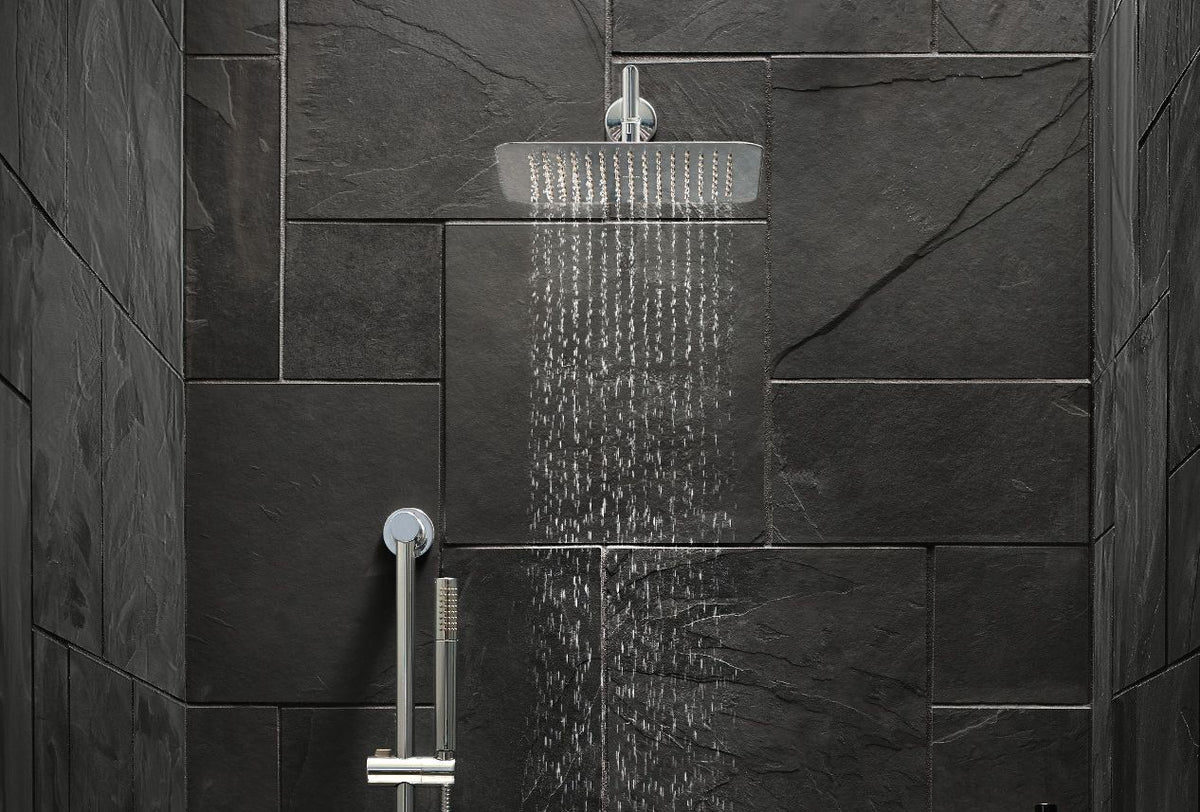
First, you’ll need to pair your Moen Flo Shutoff to the Moen Flo App. Download the free app from the App Store® or Google Play®, create an account and pair your device to your Wi-Fi network to get started.

Installation Requirements
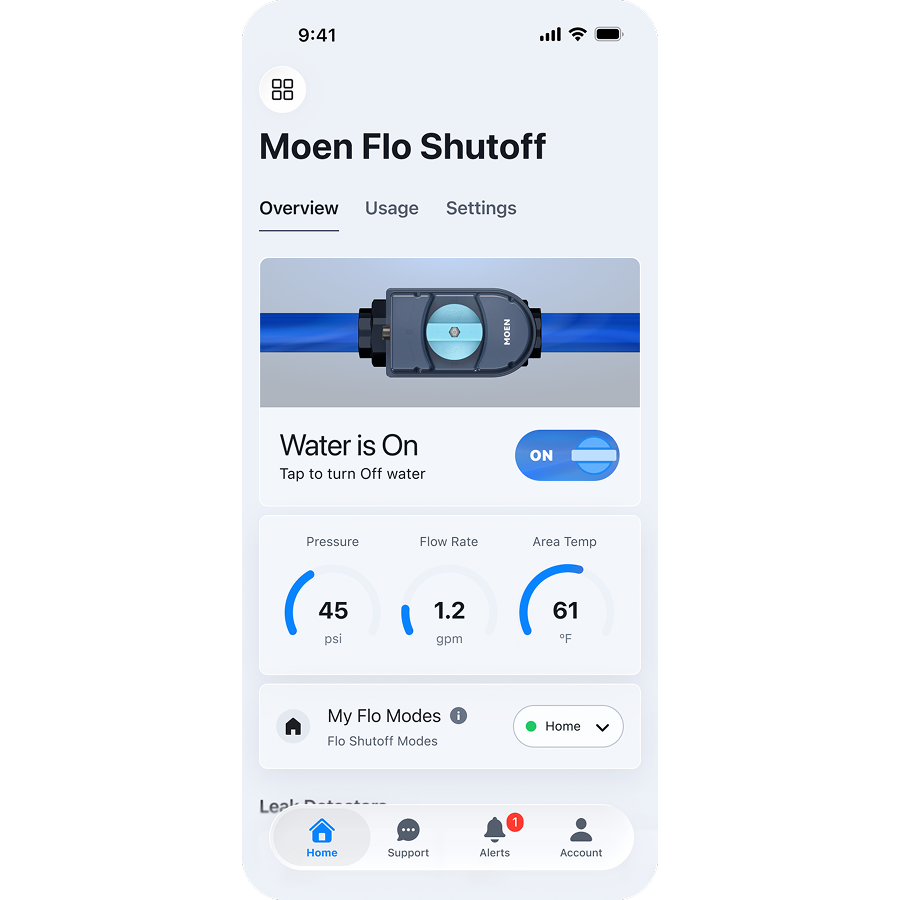
Before scheduling an installation appointment, be sure to review these important requirements.
Locate Water Shutoff Valve
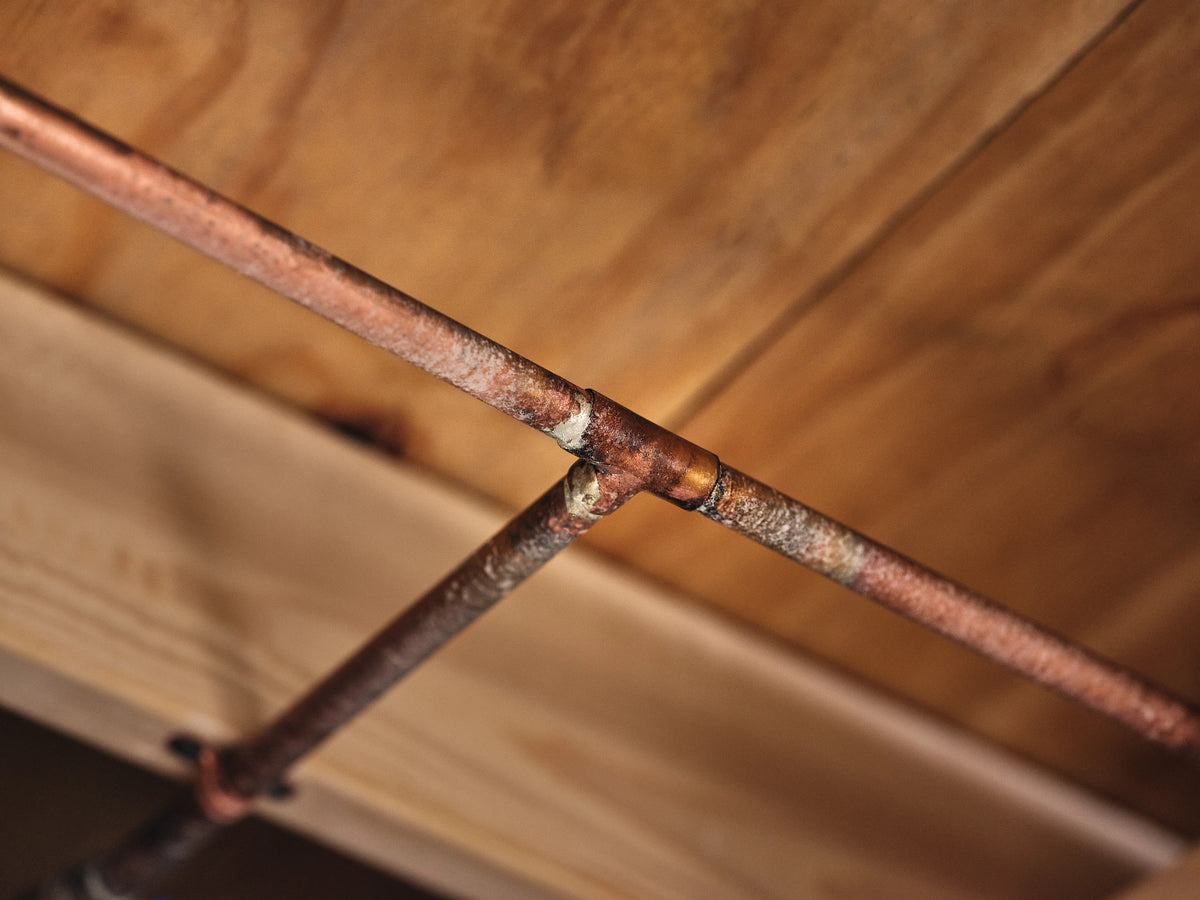
Locate your home’s water shutoff valve, which is typically found on an exterior wall, in your garage or in your basement. Ensure there’s enough room for your plumber to access the pipe and complete the installation.

Check Wi-Fi Connection
Confirm there’s a strong 2.4 GHz Wi-Fi connection in the installation area. If the signal is weak, we recommend purchasing a Wi-Fi signal extender.
Confirm Power Supply
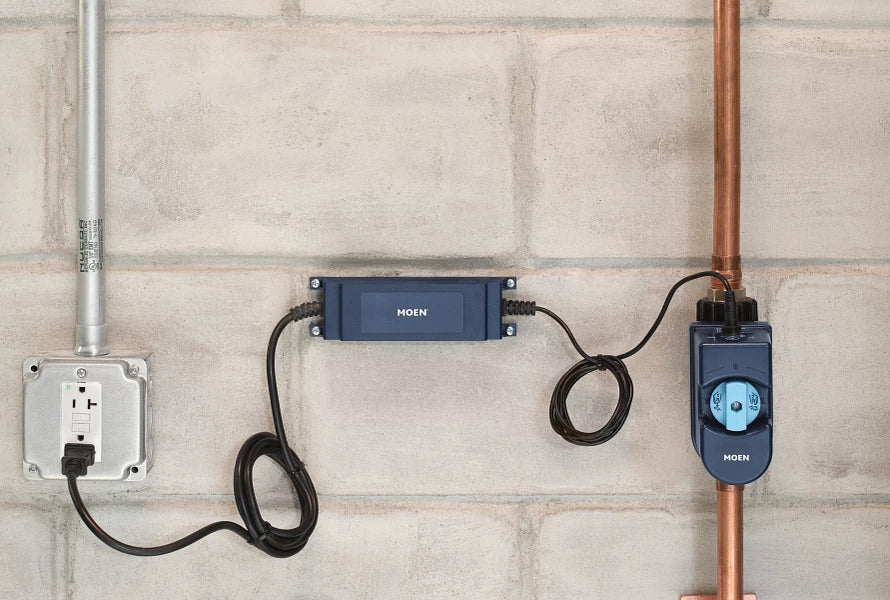
Ensure you have an AC power outlet within 10 feet of your shutoff. If your outlet is more than 10 feet away, 25-foot extension cords are available for purchase.

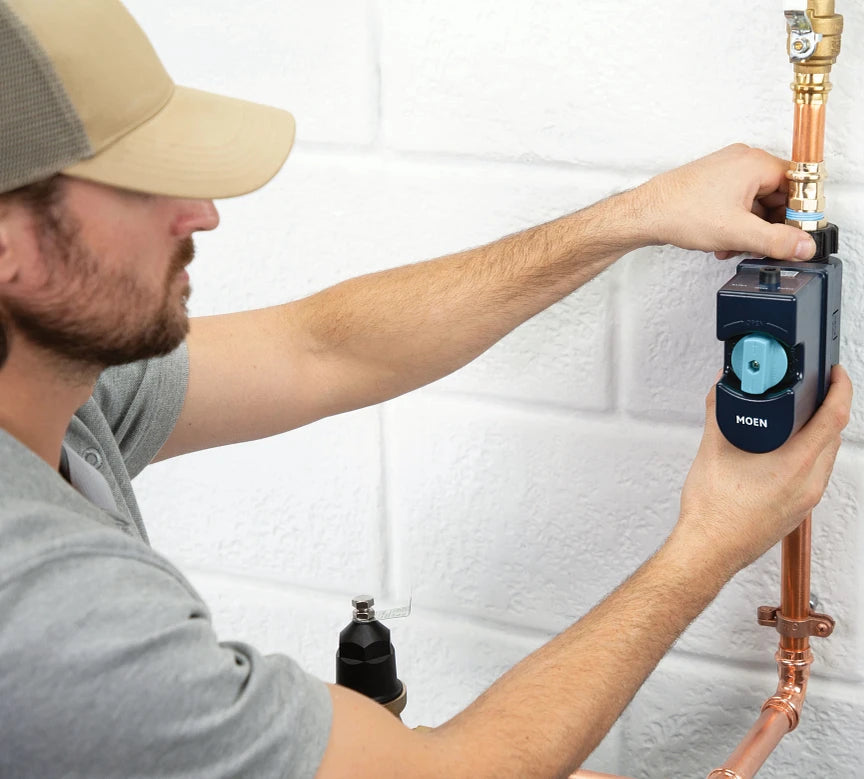
Schedule Your Flo Shutoff Installation
Find a local Moen plumber to manage your installation and Flo Shutoff setup from start to finish.
What to Expect During Installation
Your Flo Shutoff will be installed in-line with your home’s indoor or outdoor main water line. Installation will take approximately 1-2 hours, and your plumber will turn off the water to cut and remove a section of the existing pipe.
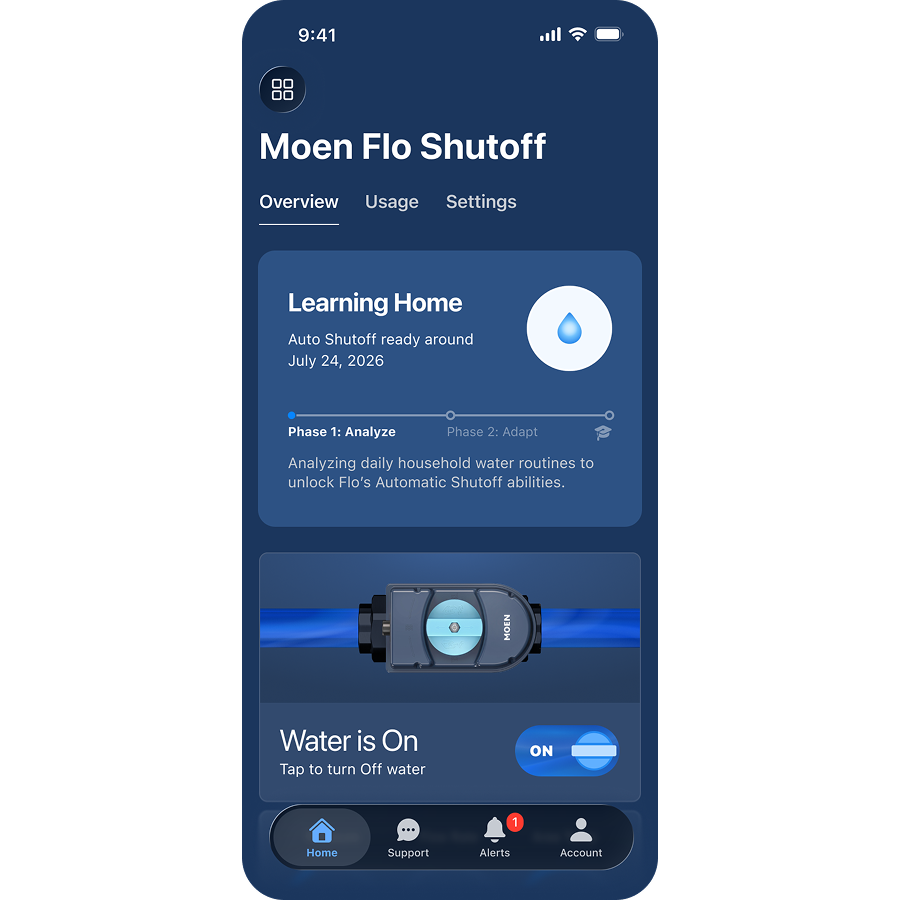
What to Expect After Installation
Once installed, you'll complete your first MicroLeak Test in the app. After you complete the MicroLeak Test, your device will enter Learning Mode for approximately 14-28 days to analyze your water usage and customize your protection.
Flo Shutoff Support
Visit solutions.moen.com to find answers to all of your product questions or contact our Customer Support for service and support.
Phone Support: 1-844-633-8356
Email Support: smarthome@moen.com